 For M-series MacBook Pro 14″/16″ · Pro Display XDR
MacBook Pro brightness.
Automatically managed.
Make your MacBook Pro brighter than 100%. Solis drives the real XDR backlight up to 1600 nits with true color, then adapts to ambient light, learns what you prefer, and eases off for battery and heat.
Apple rates current MacBook Pro XDR panels for 1000 nits sustained and 1600 nits peak. M4/M5 models can also reach up to 1000 nits outdoors automatically; Solis adds direct, controllable access and its own automation. Apple specs
Making it brighter is step one.
Solis manages the whole range.
Some boosters are manual, and BrightIntosh can switch its boost with the power source. Solis goes further: it tapers gradually with battery state, responds to Low Power Mode and the panel's own thermal signal, and adapts to the light around you.
Battery-aware
Full power on AC, gently tapers on battery, and steps aside in Low Power Mode, so a brighter screen never wrecks your runtime.
Thermal-aware
Reads the panel's own throttle signal and eases the boost down before things get hot, cooling in step with the hardware instead of guessing.
Light-aware. It learns.
Sunlight mode reads the real ambient light sensor and adapts as your room changes: comfortable indoors, past 1,000 nits in daylight. It remembers the brightness you pick at each light level, and a manual change always wins.
Bright by day. Easy by night.
One simple app that handles your whole display: brightness and color temperature, automatically.
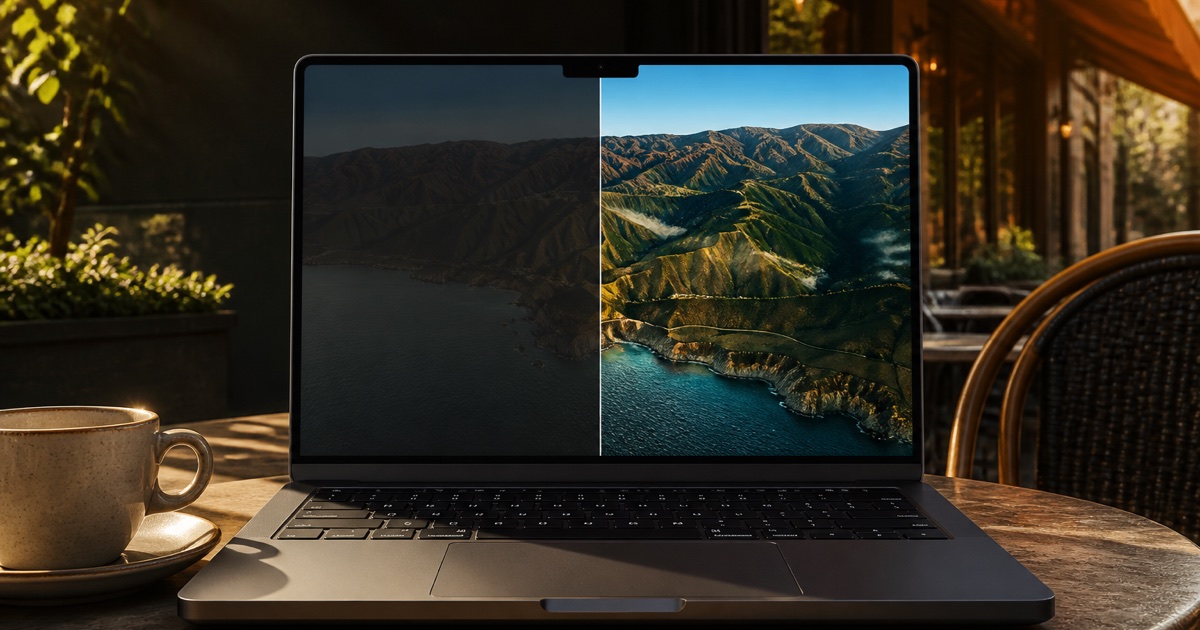
Full XDR brightness
Up to the panel's 1600-nit peak, brighter than the Mac reaches even in direct sun. Solis drives the real backlight, so color stays true at every level. No washed-out overlay.
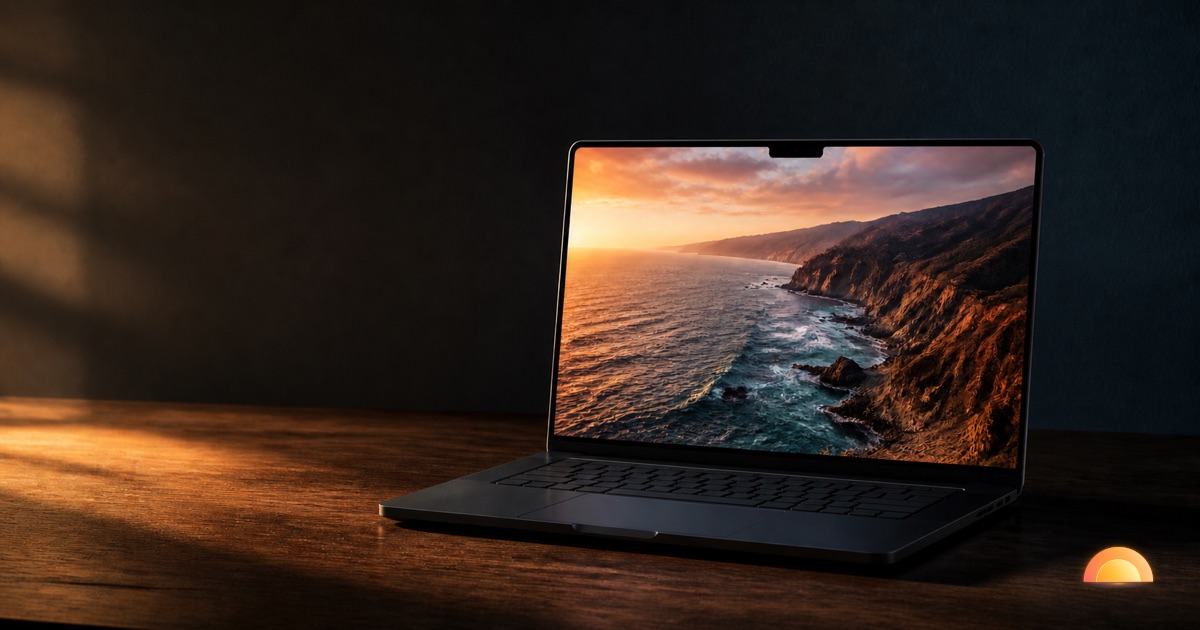
Warmth & blue-light
Warm the display at your real local sunset, and go warmer than Night Shift, all the way to a deep ember, with true color. Combines with brightness, which Night Shift can't.
Night Dim
Go all the way to total darkness, darker than macOS allows, with fine 1% steps at the very bottom for dialing in exactly how dark a dark room should be.
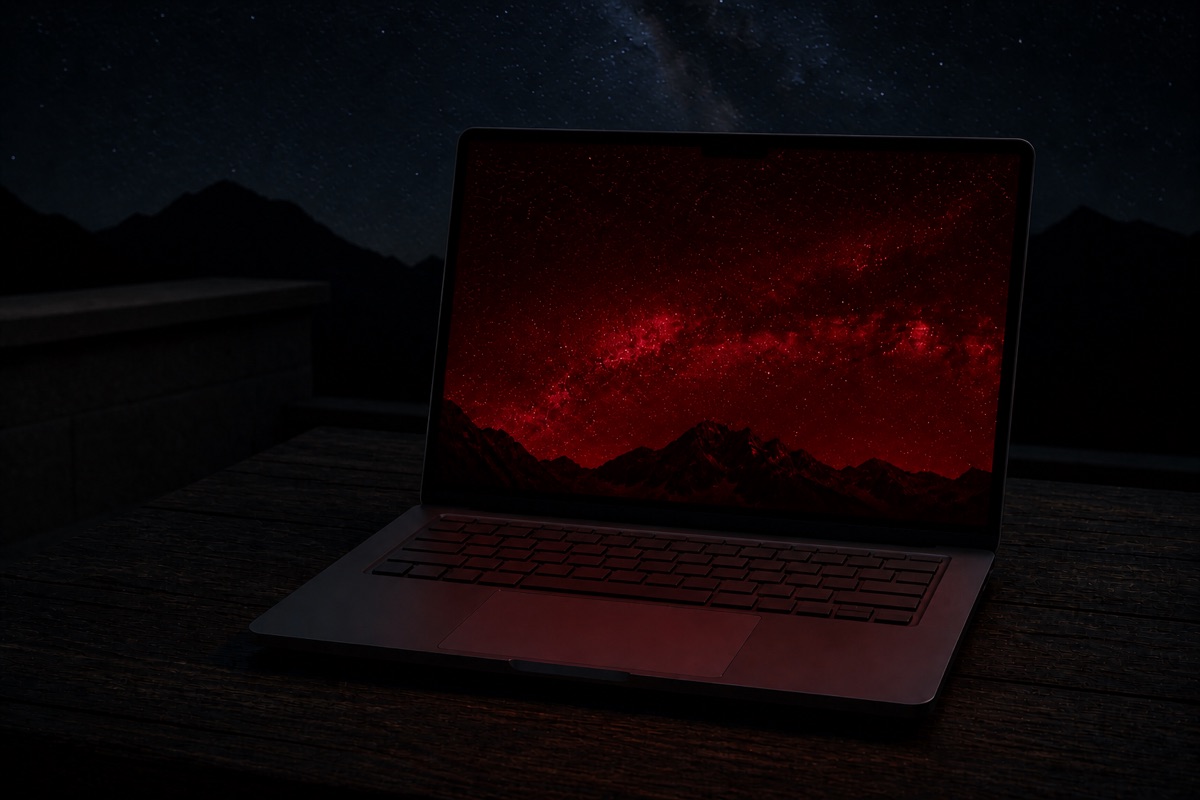
Astronomy red
A deep, night-vision red mode that preserves your dark adaptation for stargazing.
Keys, hotkeys & scenes
F1/F2 flow right past 100% into boost, Option Shift steps finer, and every global shortcut is yours to set. Scenes set brightness, warmth and Deep red in one tap: Outdoor, Indoor, Evening, Deep red, or your own saved presets.
Ready for everyday changes
Solis reapplies your settings after sleep, wake, and display changes. The emergency shortcut, Control Option Command B, resets brightness and color effects to help you recover a readable screen.
Siri & Shortcuts
Use Siri and Shortcuts: "Solis max boost", "warm until morning", or build your own Movie Night. Even ask "why is Solis limiting brightness?" and get a real answer.
Honest brightness
Solis reads the panel's own brightness curve and shows the real light output at every level, not a slider percentage. If macOS limits it, the dial says so, and a small history explains every change in plain language.
One tap for the moment you're in
Outdoor, Indoor, Evening and Deep red set brightness, warmth and night vision together. Create your own named presets with brightness and color settings. They live in the panel, in the menu bar, and in Shortcuts and Siri. A scene is a starting point, not a mode: keys, dial and Auto brightness keep working right after.
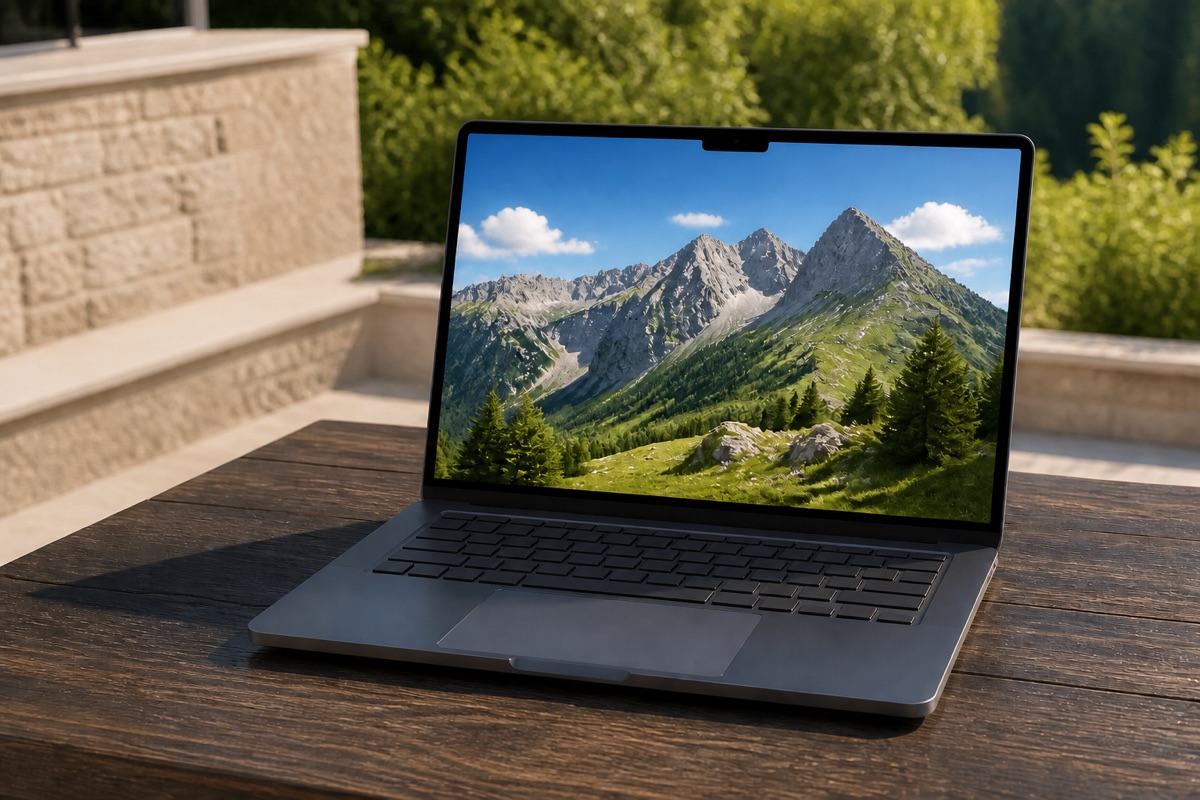
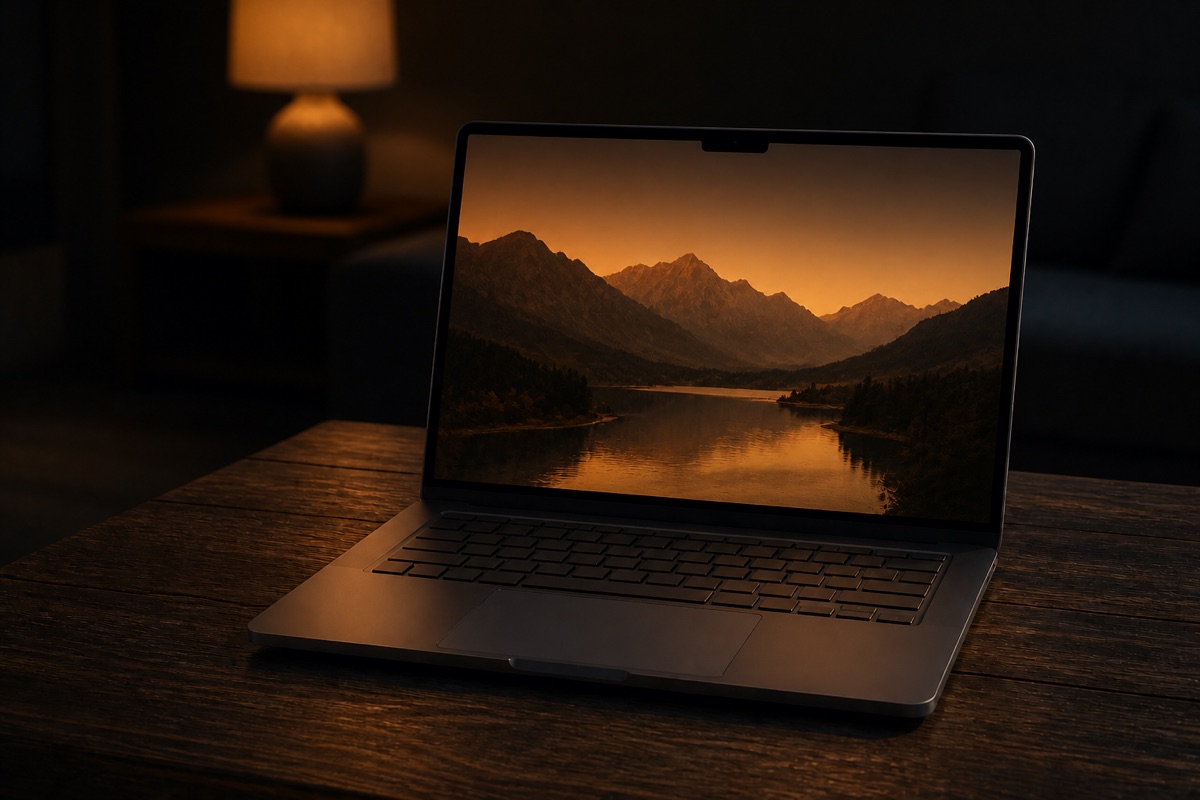
The whole toolkit, in one app.
Brightness apps don't do blue-light. f.lux doesn't boost. Lunar and BetterDisplay are $22+ monitor managers. Solis does it all, simply.
| Solis | Vivid | BrightIntosh | Lunar Pro | BetterDisplay | f.lux | |
|---|---|---|---|---|---|---|
| Published XDR claim | 1600 peak | 1000 sustained | 1000 | 1600 | 1600 | ✕ |
| True-color boost | ✓ | ✓ | ✓ | ✓ | ✓ | ✕ |
| Battery-aware auto | graded | ✕ | power toggle | ✕ | ✕ | ✕ |
| Thermal-aware auto | ✓ | ✕ | ✕ | ✕ | ✕ | ✕ |
| Adapts to light & learns your taste | ✓ | ✕ | ✕ | ~ | ✕ | ✕ |
| Warmth / blue-light | ✓ | ✕ | ✕ | ✕ | ✕ | ✓ |
| Astronomy (red) mode | ✓ | ✕ | ✕ | ✕ | ✕ | ✓ |
| Sub-minimum dimming | ✓ | ✓ | ✕ | ✓ | ✓ | ✕ |
| Sleep/wake/Spaces solid | ✓ | buggy | ~ | ✓ | ✓ | ✓ |
| Price | $14.99 | €10 | $1.99 | $23 | $21.99 | Free |
“Power toggle” means BrightIntosh can disable boost on battery and restore it on AC. Solis instead tapers the level with battery state and Low Power Mode. Published brightness claims use each developer's current wording and do not imply the same sustained/peak behavior. Deep dives: Best MacBook Pro brightness apps · Solis vs Vivid · Solis vs Lunar · BrightIntosh alternative
Will it work on my Mac?
The brightness boost needs an XDR panel — the mini-LED display in Apple's top-end hardware. Other Macs already run their panels at the maximum (no app can change that), but Solis still gives them the full Night toolkit.
Check your Mac — free compatibility lookup
Full boost + everything
- MacBook Pro 14″ & 16″ with any M-series chip (2021 or later). Every one of them has the Liquid Retina XDR display
- Apple Pro Display XDR connected to an Apple Silicon Mac
Night tools only — no boost
- MacBook Air and 13″ MacBook Pro: no XDR panel, so no hidden brightness to unlock — but warmth, astronomy red, and dimming to true black all work
- Apple Silicon iMac, Apple Studio Display, and regular external monitors: Night tools only. Intel Macs are not supported
Not sure? The free trial is honest with you: on a non-XDR Mac, Solis says so in the app and offers the Night tools instead — you haven't paid a cent.
One price. Every feature. Forever.
Buy direct for lifetime access. Try every feature free for 3 days.
- ✓ Full XDR brightness to 1600 nits, true color
- ✓ Sunlight adaptive brightness that learns
- ✓ Smart battery + thermal auto-management
- ✓ Warmth, blue-light & Night Dim to total darkness
- ✓ Brightness keys + global hotkeys
- ✓ Free updates · no subscription
Good to know.
Which Macs does Solis work with?
The full brightness boost: any 14″ or 16″ MacBook Pro from 2021 on (they're all Apple Silicon, and all have the Liquid Retina XDR panel), plus the Pro Display XDR on an Apple Silicon Mac. These panels can reach 1000–1600 nits. macOS exposure varies by generation and conditions—M4/M5 models can reach up to 1000 nits outdoors—while Solis gives you direct control up to the 1600-nit peak and manages it automatically. On other Macs (Apple Silicon MacBook Air, 13″ MacBook Pro, iMac, Studio Display, regular monitors) there is no hidden brightness; Solis offers the Night tools instead. Requires Apple Silicon and macOS 13 or later; Intel Macs are not supported.
Is it safe? Will it drain my battery or overheat my Mac?
It's designed to be. macOS itself enforces a hard limit on the panel's temperature and pulls brightness back long before anything could be harmed. Solis works within that, and goes further: it also reads the panel's own thermal signal and eases the boost off early, treats the very top end as a sprint (full 1600 when you ask, gently settling to 1000 — Apple's own sustained full-screen rating — for long sessions; one touch brings the peak right back), and tapers on battery. Honest note: running any display at high brightness all day uses more power and, over years, gently ages the LEDs. That's true of every boosting app, which is why Solis backs off automatically when it doesn't need to be bright.
How do I install and update Solis?
The website download is signed and notarized by Apple and includes an updater. Buy a lifetime license through Gumroad, then activate it in Solis. Solis Lite, the free Mac App Store edition, covers warmth, Deep Red and extra dimming only, because Apple’s App Sandbox doesn’t let App Store apps control the backlight. Compare Solis Lite and Solis for Mac.
How is this different from Night Shift?
Night Shift only warms the screen, on a fixed Kelvin range, and can't combine with brightness. Solis warms at your real local sunset, goes much warmer (down to a deep ember, well past Night Shift's limit), pairs it with brightness, and adds a deep-red astronomy mode. Bright and neutral by day, dim and warm at night.
Does it mess with my colors?
Brightness is the display's real backlight, the same control the firmware uses, so it's color-true at every level, from near-black to the 1600-nit peak (no gamma trick or washed overlay). Warmth and the red astronomy mode use macOS's own built-in color filter for a true, blacks-stay-black tint. While they're on you'll see macOS's "Color Filters" shown as active in System Settings, and turning warmth off returns the tint to neutral. Solis restores the previous Color Filters settings when you quit.
Does Solis read any sensors or send data anywhere?
It reads your Mac's ambient-light sensor (only when Sunlight is on, to adapt brightness) and your battery/thermal state, all in real time, on-device. An optional 10-second calibration measures how much of the sensor's reading is the screen's own glow, so Sunlight responds to your room, not to itself. Display and sensor data stay on your Mac. The app has no account, tracking or analytics. Updates and purchase verification use the services described in our privacy policy. See the privacy policy.
Hi, I'm Max.
I originally built Solis for myself and my brother. Now I share it with others and keep improving it with feedback from the people who use it. I'm the independent developer behind the app. If you have a question, an idea, or a bug to report, you can reach me at hello@heysolis.com.